· FSharp WasmGC Team · Tutorials · 2 min read
Getting Started with FSharp WasmGC
A practical step-by-step guide to compiling your first F# project to WebAssembly GC using FSharp WasmGC.
Getting Started with FSharp WasmGC
This tutorial walks you through compiling your first F# project to WebAssembly GC using FSharp WasmGC.
Prerequisites
- .NET 10 SDK or later
- Node.js 22+ (for running the output)
- wasm-tools — validates
.wasmbinaries and enables Component Model assembly (cargo install wasm-tools)
Step 1: Create a new F# project
dotnet new console -lang F# -o MyWasmProject
cd MyWasmProject
Step 2: Write your F# code
Edit Program.fs:
let add (a: int) (b: int) : int = a + b

let fibonacci (n: int) : int =
    let rec fib a b count =
        if count = 0 then a
        else fib b (a + b) (count - 1)
    fib 0 1 n

[<EntryPoint>]
let main _ =
    let result = add 21 21
    let fib10 = fibonacci 10
    printfn "add(21, 21) = %d" result
    printfn "fibonacci(10) = %d" fib10
    0
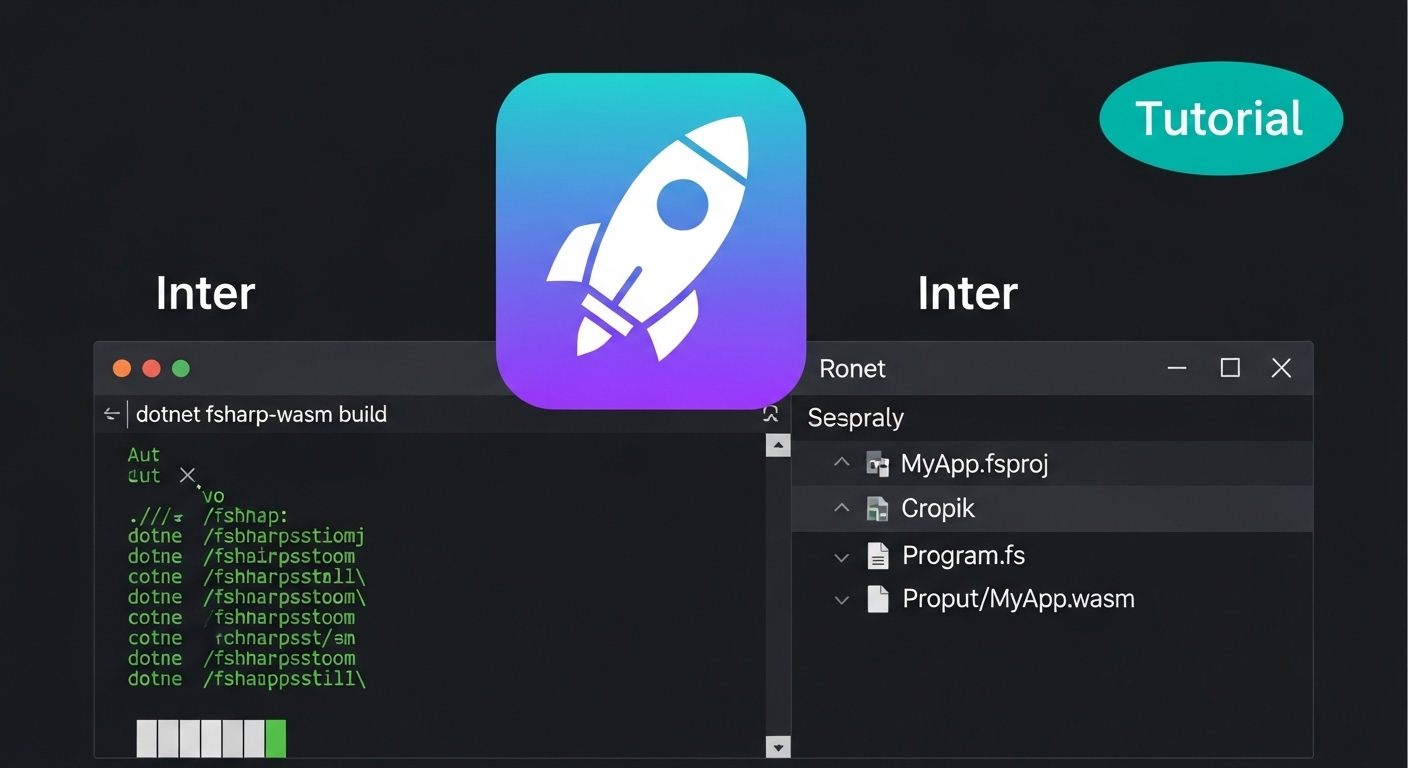
Step 3: Build with FSharp WasmGC
# Build the project
dotnet fsharpwasmgc build MyWasmProject.fsproj

# Output: output/mywasmproject.wasm + output/mywasmproject.wat
Step 4: Run in Node.js
// run.mjs
import { readFileSync } from 'fs';

const wasm = readFileSync('./output/mywasmproject.wasm');
const { instance } = await WebAssembly.instantiate(wasm, {});

console.log('add:', instance.exports.add(21, 21));
console.log('fibonacci:', instance.exports.fibonacci(10));
node run.mjs
# add: 42
# fibonacci: 55Step 5: Inspect the WAT output
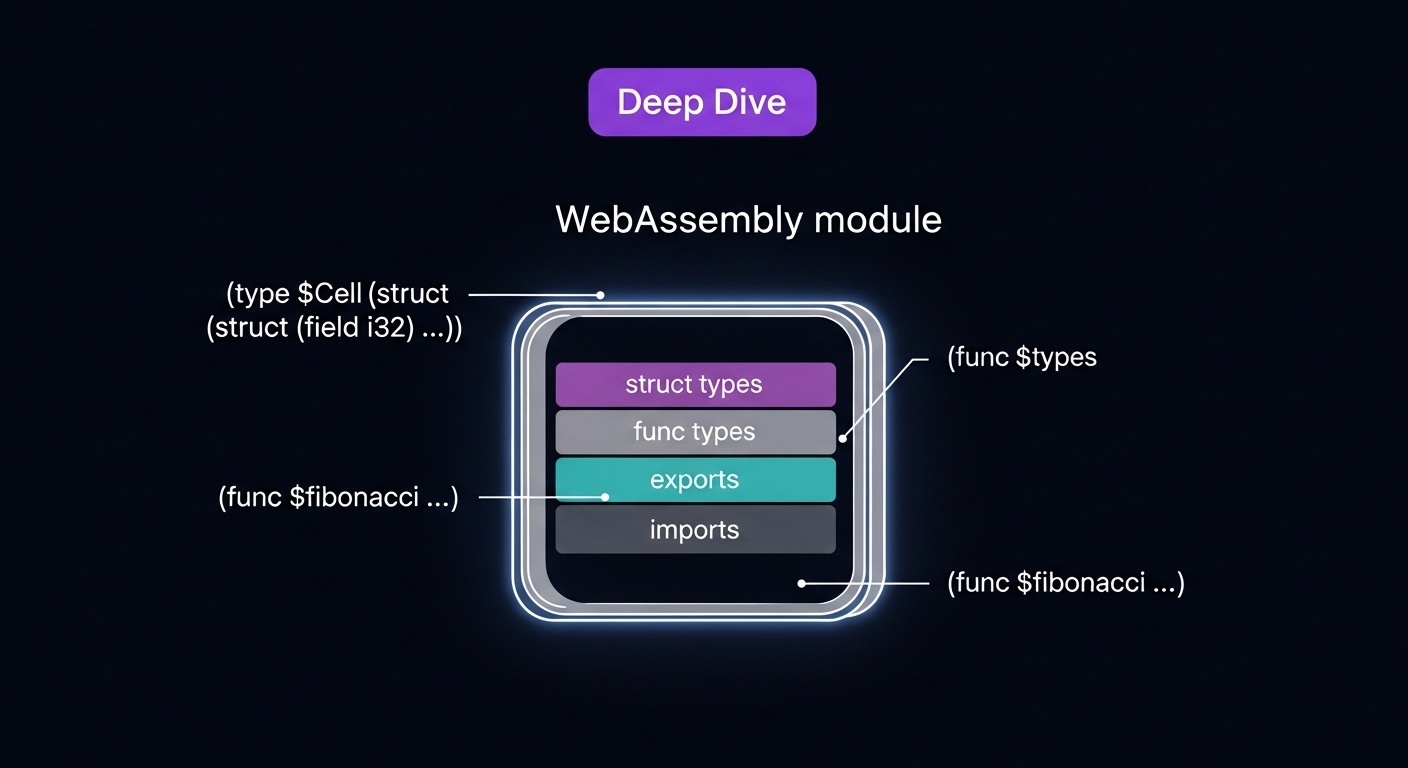
The compiler also emits a human-readable .wat file. Open output/mywasmproject.wat to see exactly what Wasm your F# compiled to:
(module
  (type $FnType_i32_i32_i32 (func (param i32 i32) (result i32)))

  (func $add (param $a i32) (param $b i32) (result i32)
    local.get $a
    local.get $b
    i32.add
  )

  ;; ... fibonacci ...

  (export "add" (func $add))
  (export "fibonacci" (func $fibonacci))
)
Notice: no JavaScript runtime, no runtime library imports, pure Wasm.
What to try next
- Component Model: Export your F# functions as a WIT component using by adding WIT metadata
- Multi-module linking: Link two F# WasmGC modules together at the Wasm level
- Pattern matching: Try discriminated unions — they compile to WasmGC struct hierarchies
- BCL functions: Use
List.map,Array.filter,String.concatand more
Read the architecture docs to understand how the compiler works under the hood, or browse the blog for deep-dives into specific features.